

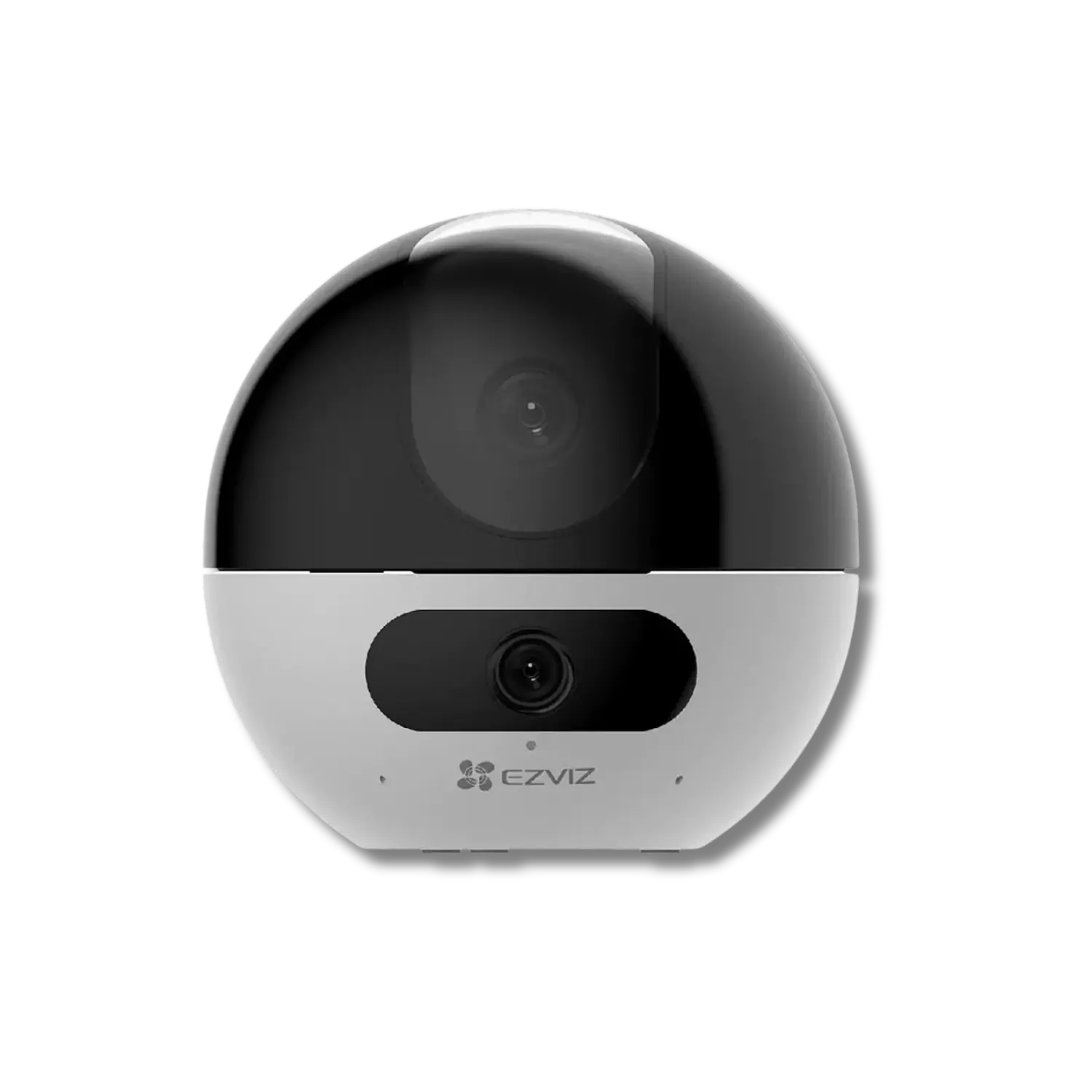
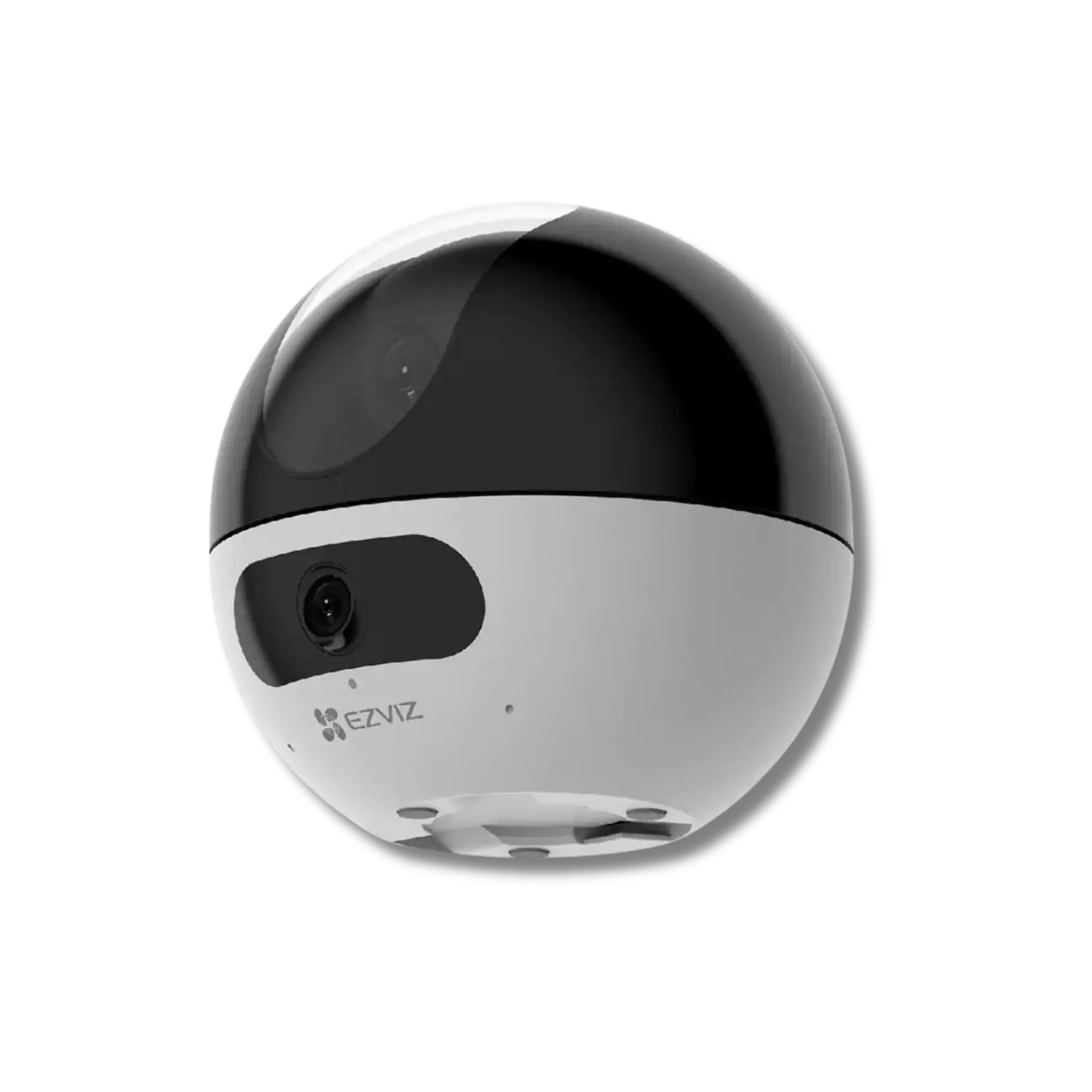

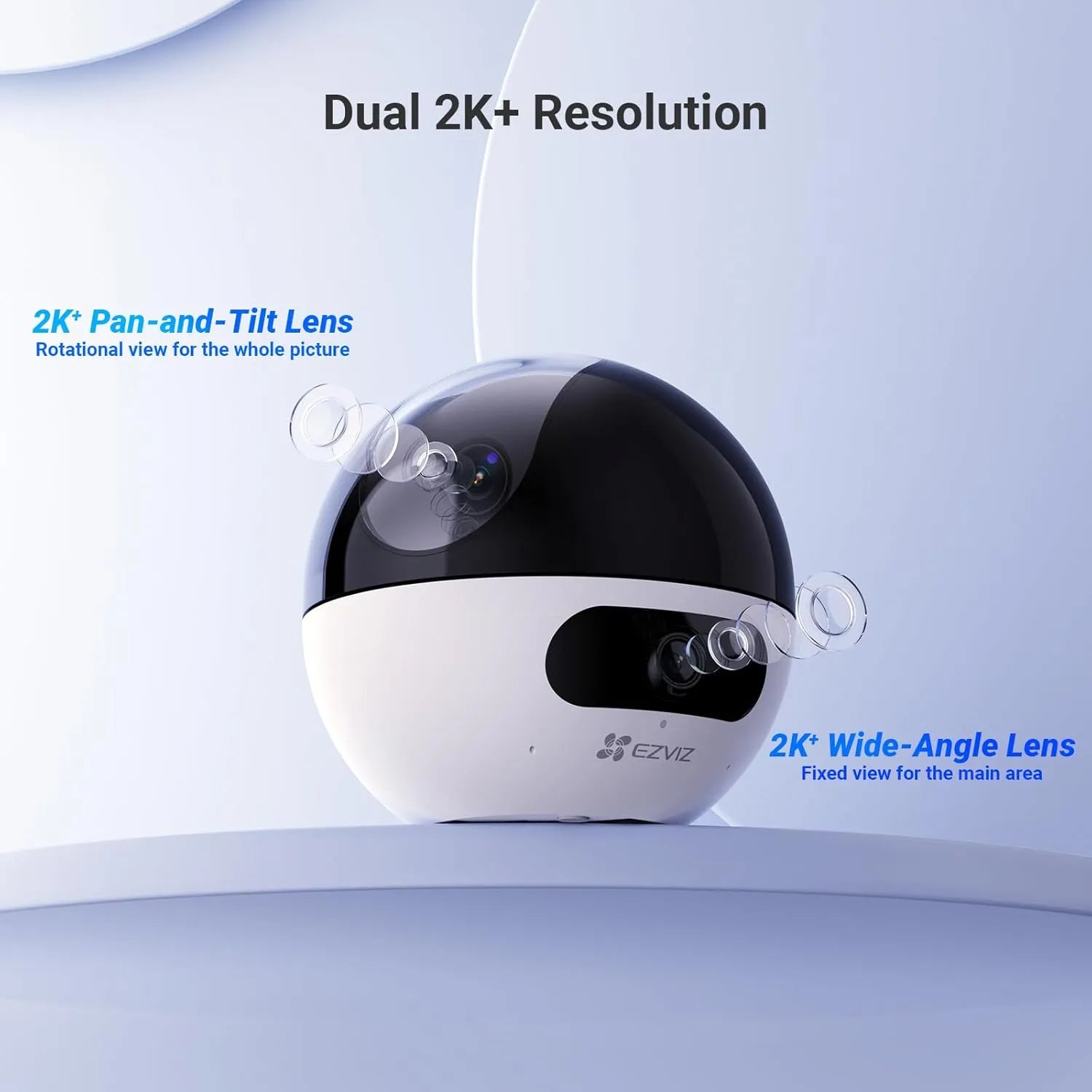
EZVIZ C7 Dual 2K+ Dual-Lens Pan/Tilt Wi-Fi 6 Indoor Security Camera with Gesture-Activated Video Calling

Model Code: CS-C7 (44WF,W2) R100-8G44WF

Sale price100.000 IQD

Product specification

يجب الاطلاع على جميع التفاصيل قبل الاختيار والشراء
لا تنسَ زيارة موقع الشركة المصنّعة وقراءة دليل المستخدم

Usage environment

Indoor

Camera Design

PT (Pan/ Tilt)

Placement/ Mounting
  • Desk
  • Wall
  • Ceiling
Connection Type
  • Wi-Fi 2.4GHz AX
  • Wi-Fi 5GHz AX
  • Bluetooth (For first-time setup only)
Hub Dependency
  • No Hub Required ?{Connects directly to the router; no intermediary hub required}
Resolution & Frame Rate

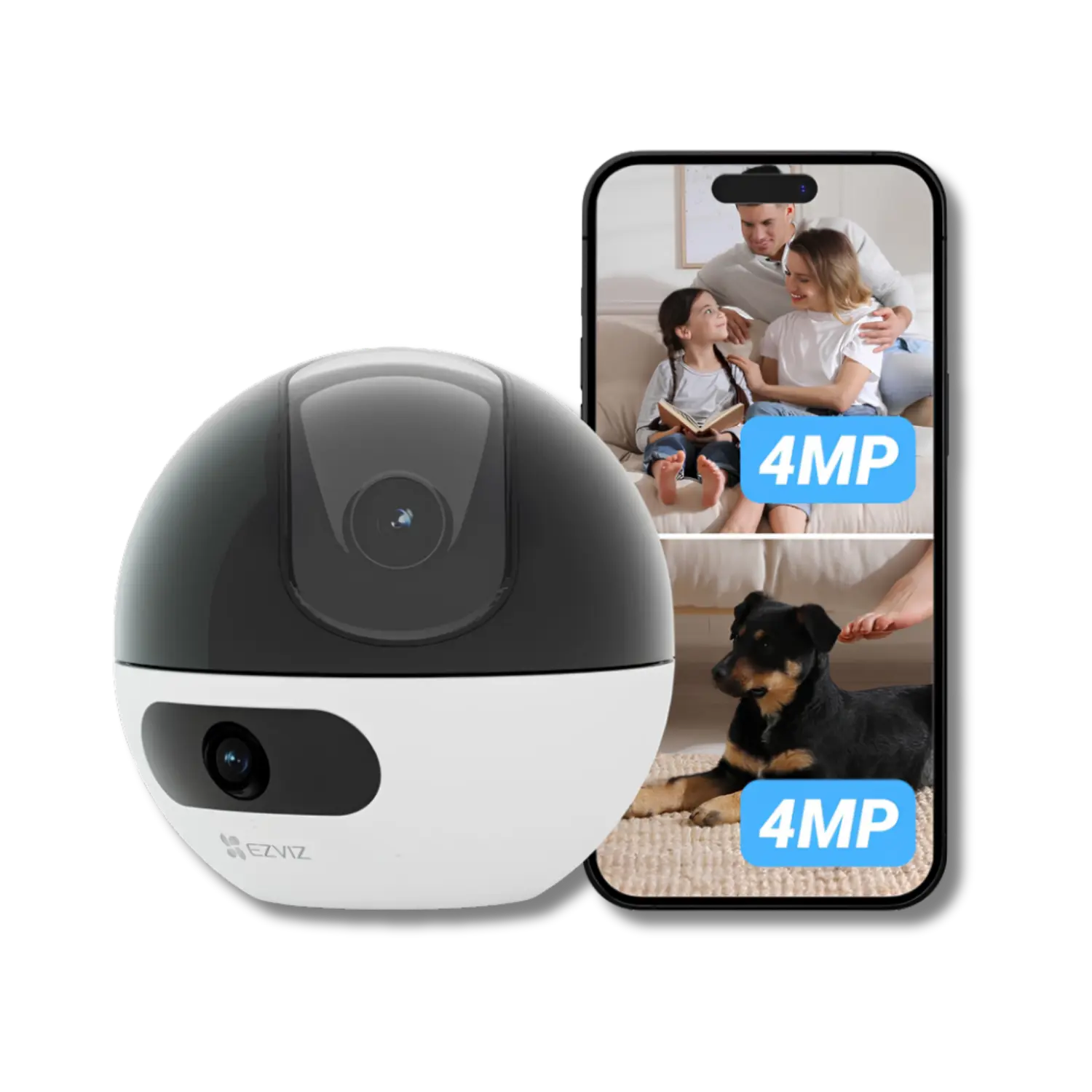
Dual 2K+ (2560 × 1440 per lens)
Self-Adaptive Frame Rate

Night Vision
  • Infrared (IR)
Movement & Tracking

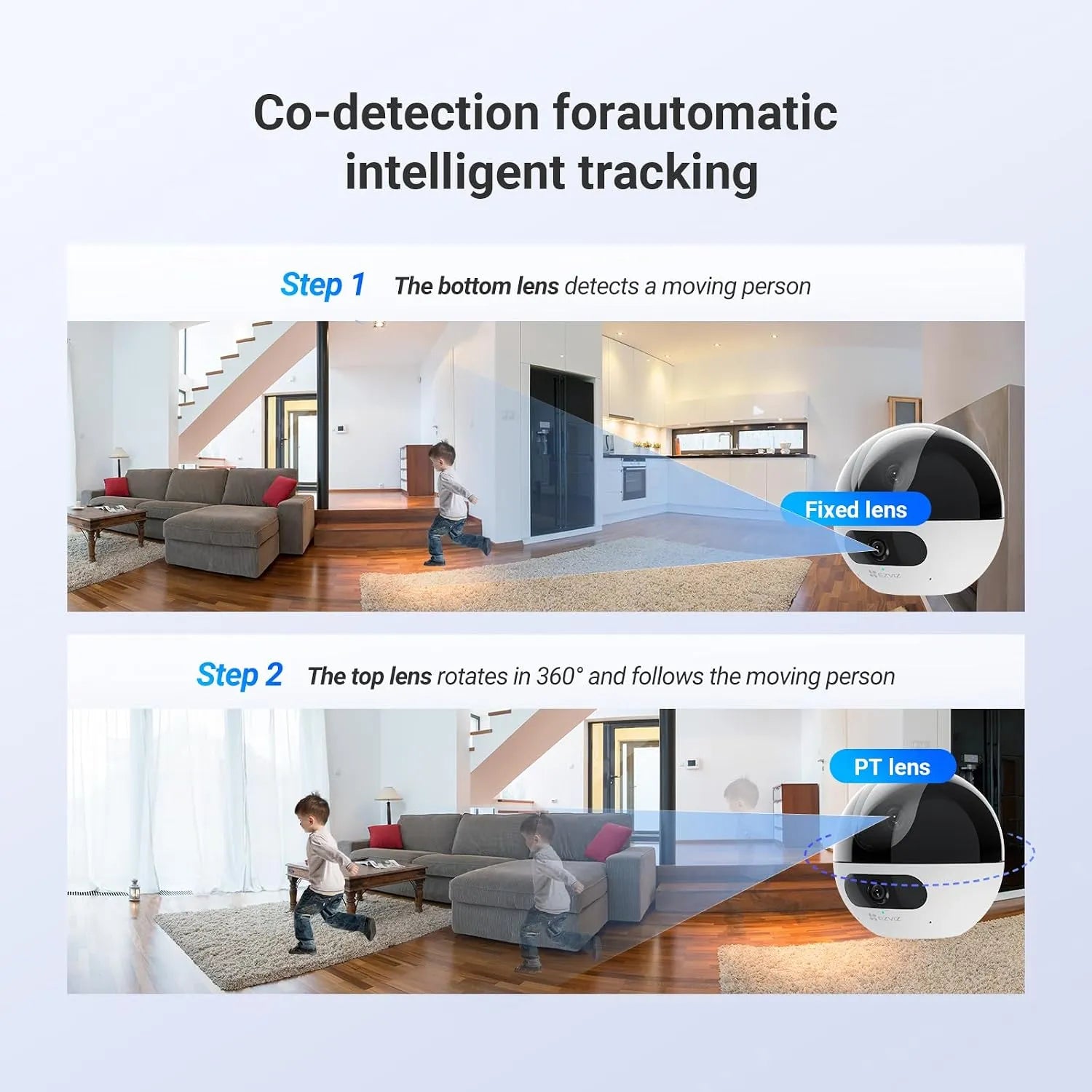
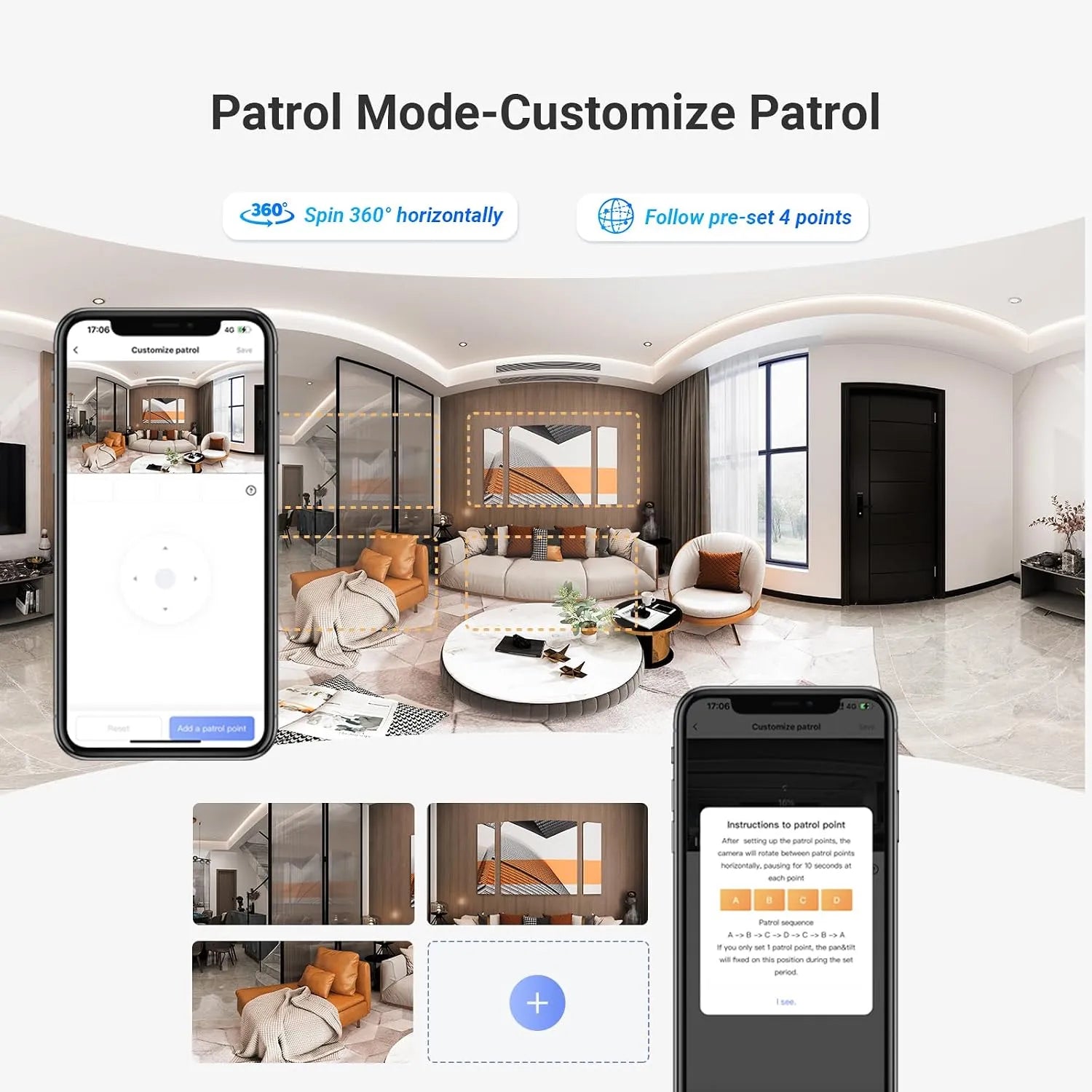
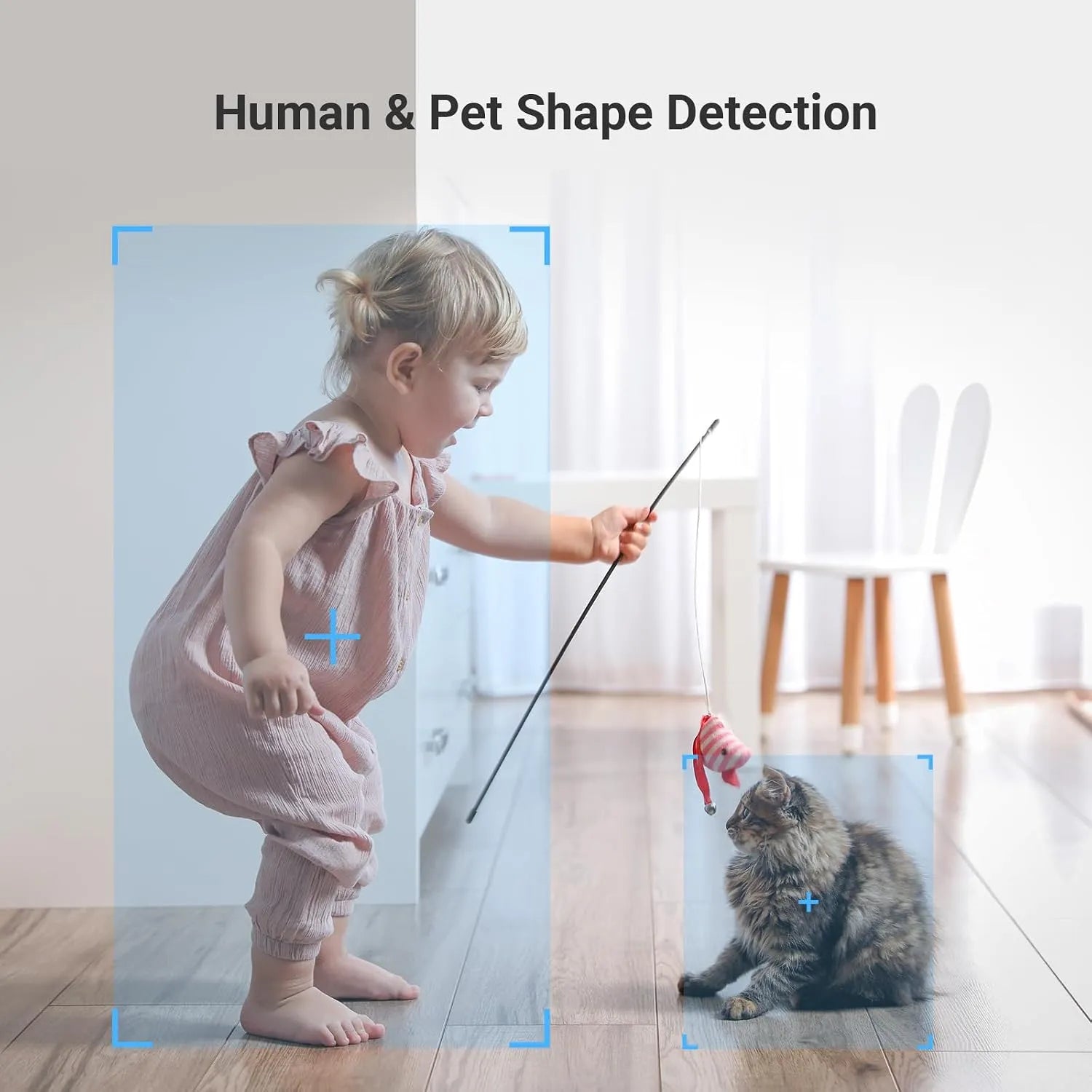
Co-Detection Auto Smart Tracking

Movement Range
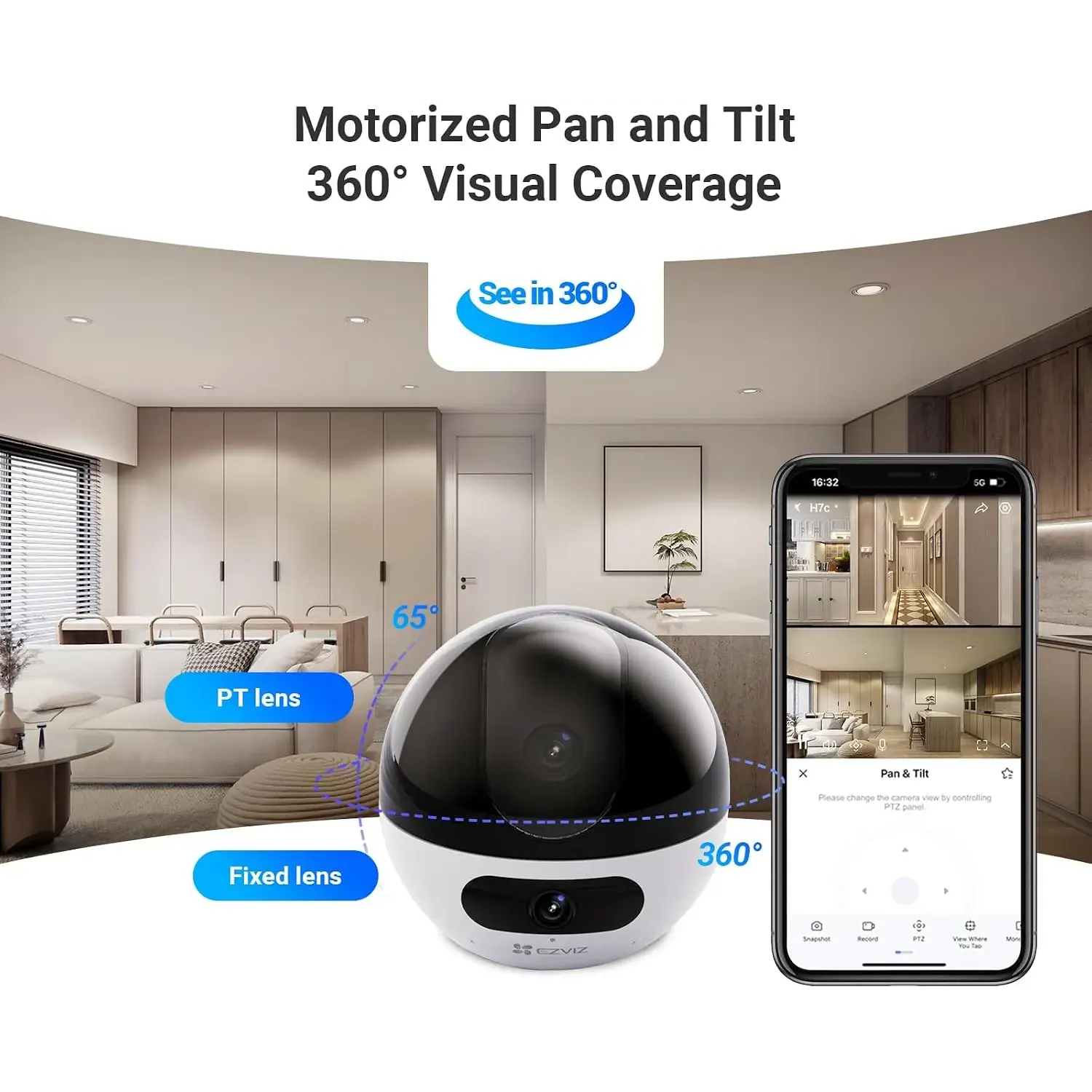
  • Pan 360° (360° View Coverage)
  • Tilt 65°
Camera Features

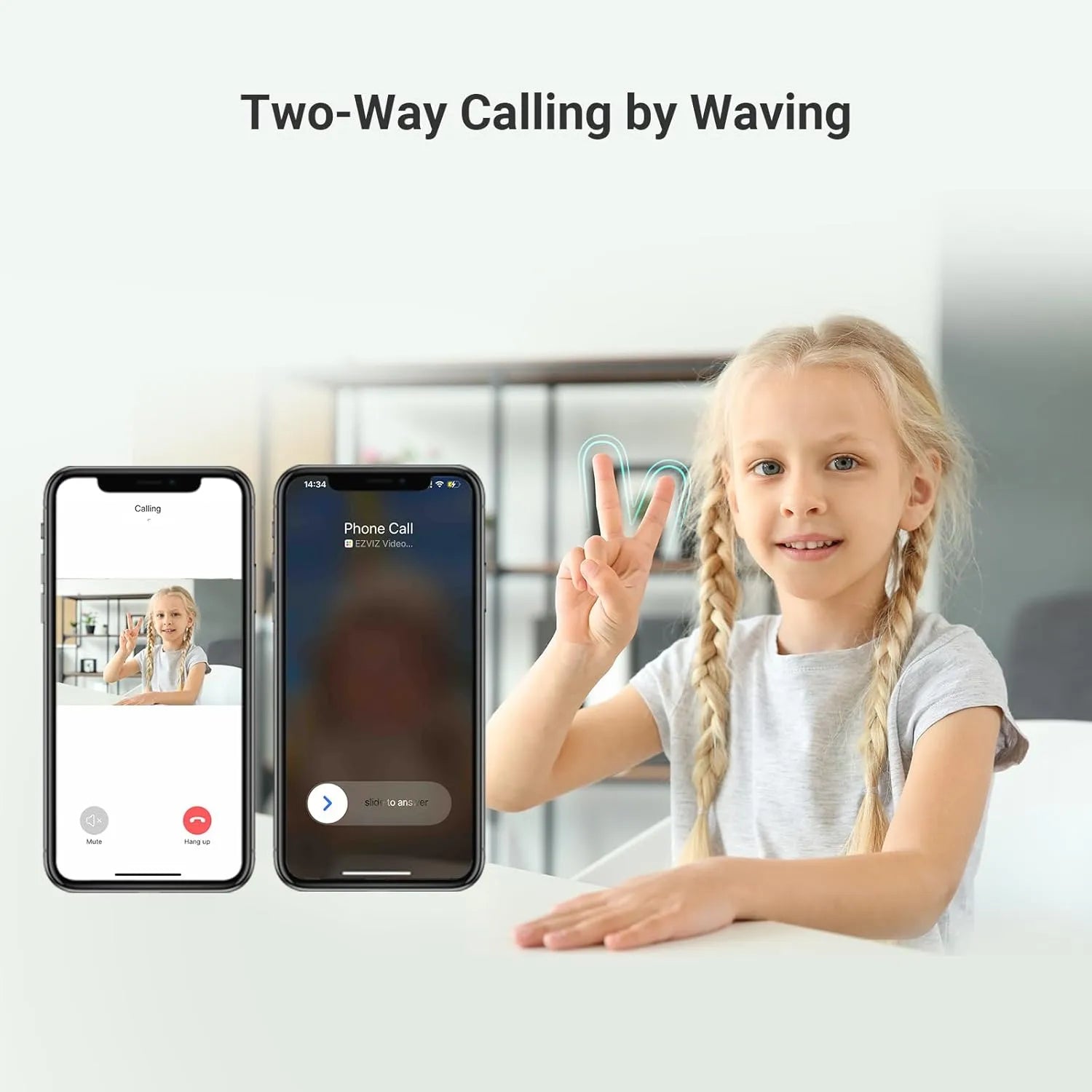
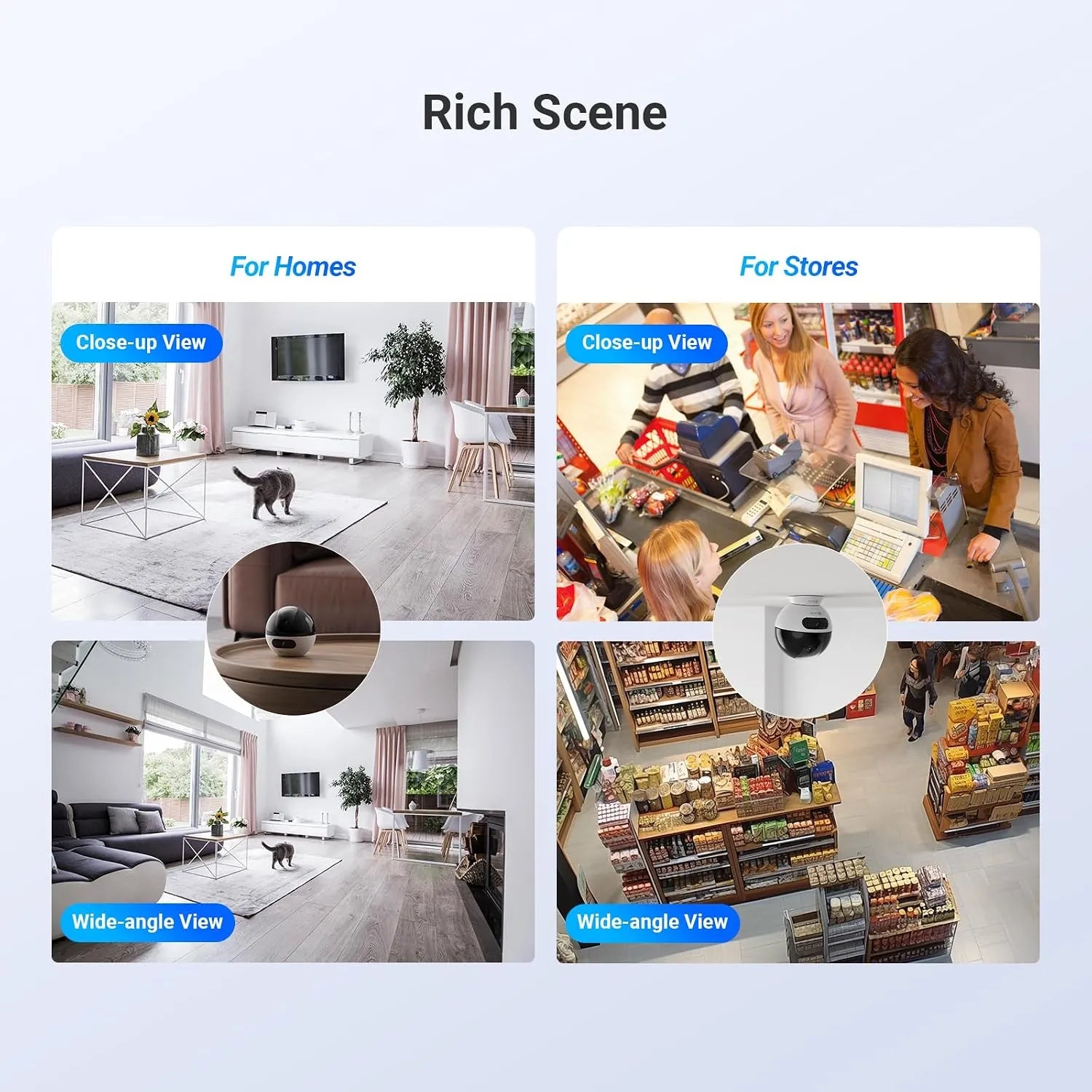
Dual-Lens, Dual Live View, Motion Detection, Built-in Microphone, Built-in speaker, Built-in Siren, Two-Way Video Calling, Gesture-Activated Video Calling, and Digital zoom

Recording Mode
  • Motion-Triggered Recording
Recording Storage
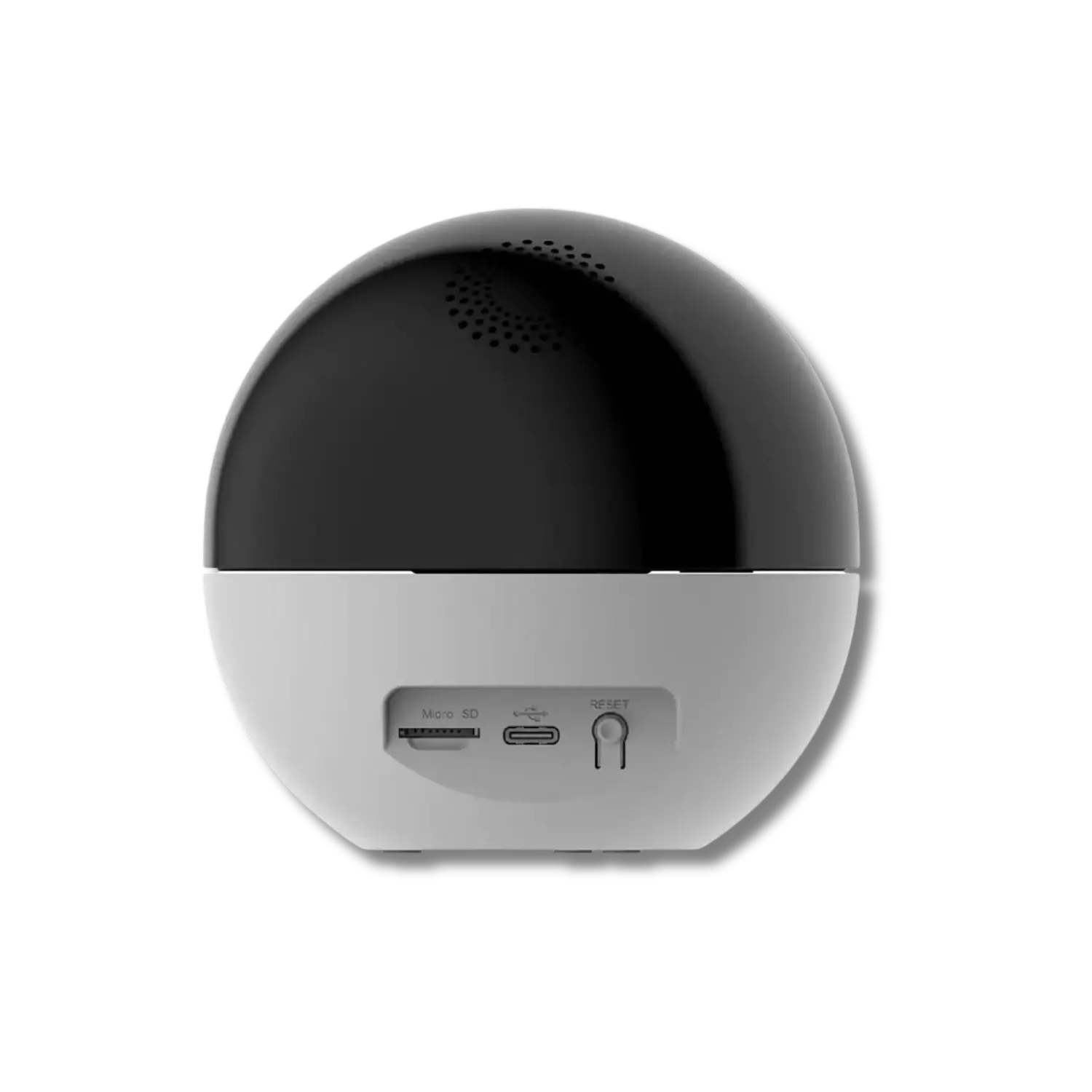
  • MicroSD Card in Camera, up to 512GB (Sold Separately)
  • Cloud Storage (Requires a paid subscription)
Control Access
  • Remote Internet Control
  • Shared Camera Access with others (Limited control)
Privacy Controls
  • Turn Off Camera via App (Privacy Mode)
  • Video Encryption with Password
Alert Method
  • Smartphone notifications
  • Sound alarms
Image Sensor

1/3” Progressive Scan CMOS Sensor

Lens Aperture

F1.6

Focal Length

Fixed Wide-Angle: 2.8mm and Telephoto: 6mm

Lens Field of View
  • Wide-Angle Lens: Diagonal 108° / Horizontal 92° / Vertical 50°
  • Telephoto Lens: Diagonal 60° / Horizontal 51° / Vertical 28°
Image enhancement
  • 3DNR
  • WDR
Video Compression
  • H.265
  • H.264
Power Input Port
  • USB type-C
Power Details
  • 5V ⎓ 2A
Allowed Ambient Temperature
  • ‎-20°C ~ 50°C
OS Compatibility

Android and iOS

Dimensions

100mm × 100mm × 98mm

Weight

310g

Important notes
  • قم بعمل إشارة النصر لبدء مكالمة فيديو.
  • اختر نطاق Wi-Fi أثناء الإعداد؛ لا يمكن تبديله لاحقًا.
  • قم بعمل إشارة النصر لبدء مكالمة فيديو.
  • اختر نطاق Wi-Fi أثناء الإعداد؛ لا يمكن تبديله لاحقًا.